Free Online Grid Maker
- Free
- No signup
- No watermark
- Browser-based
Add a customizable grid to any photo for drawing, portraits and canvas transfer, then export a print-ready image or PDF — processed right in your browser.
A4 · 0×0px · 1 overlay
Features
Everything in one grid tool
48 grids & overlays
Rule of thirds, phi grid, perspective, sacred geometry, isometric and more — across 9 categories. Stack as many as you like.
Transform any overlay
Move, rotate, scale and reset each overlay independently, with full undo/redo and keyboard shortcuts.
Export anywhere
Download PNG, JPG, print-ready PDF or vector SVG — at 150, 300 or 600 DPI, plus exact-size grid paper.
Free & private
No signup, no watermark. Your image is processed entirely in your browser and never uploaded.
Overlay library
48 grids & composition overlays
Across 9 categories — stack as many as you like, then move, rotate and scale each one.
Composition
6Rule of Thirds · Rule of Fifths · Phi Grid · Golden Spiral …
Grids
9Rectangular Grid · Isometric Grid · Triangular Grid · Hexagonal Grid …
Perspective
51-Point Perspective · 2-Point Perspective · 3-Point Perspective · Fisheye Grid …
Radial
6Radial Spokes · Concentric Circles · Polar Grid · Sunburst …
Classical
4Rabatment of the Square · Baroque Diagonal · Sinister Diagonal · Dynamic Symmetry
Sacred Geometry
8Vesica Piscis · Seed of Life · Flower of Life · Metatron's Cube …
Design
6Column Grid · Baseline Grid · Manuscript Grid · Modular Grid …
Figure
3Loomis Head · 8-Head Figure · Croquis Grid
Geometric
1Harmonic Armature
The grid method
How it works
Divide your reference into squares, draw the same grid on your surface, then copy one square at a time.
- 1
Upload your reference image.
- 2
Choose the number of rows and columns.
- 3
Customize the grid color, opacity and labels.
- 4
Download as PNG, JPG or PDF and start drawing.

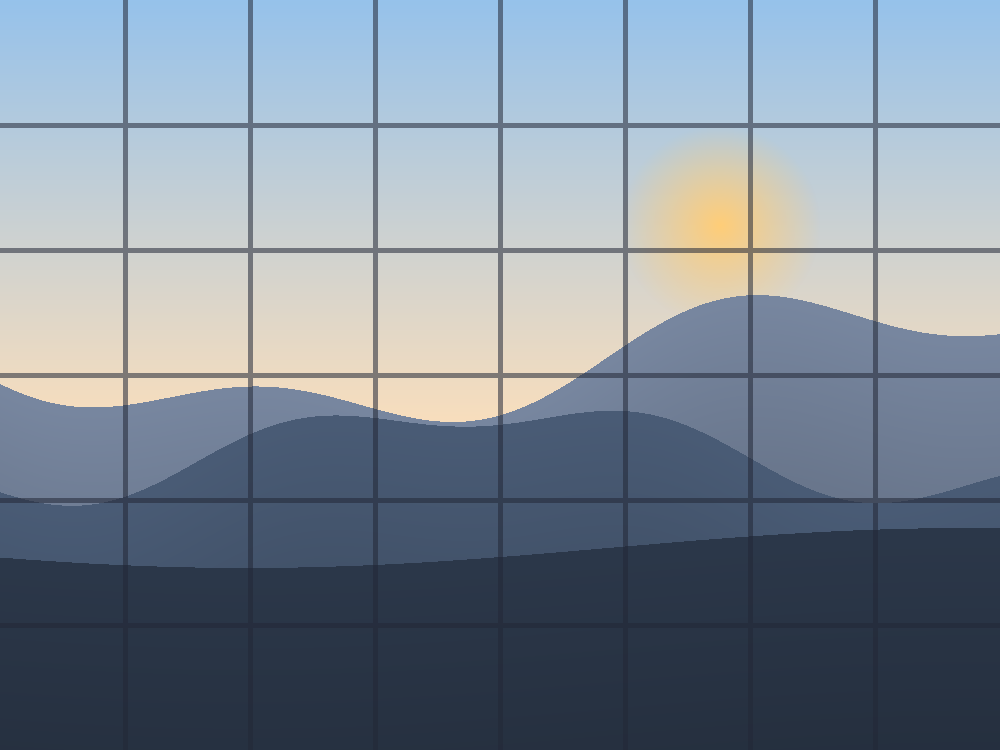
The grid method dates back to Albrecht Dürer in 1525 — and it is not cheating, it trains your eye to see proportions. Read the full guide →
Who it's for
Made for artists and makers
The toolkit
More grid tools
Learn
Guides & tutorials
Step-by-step how-tos for the grid method and every tool.
Frequently asked questions
Is using a grid to draw cheating?+
No. The grid method is a classic technique used by artists for centuries to study proportion and placement. It trains your eye to see shapes and relationships accurately.
How many squares should I use for a drawing grid?+
Start with about 8–12 columns for most references. Use more squares (16+) for detailed or complex images, and fewer for simple shapes. Larger references can take a denser grid.
Will my photo be uploaded to a server?+
No. Everything happens locally in your browser. Your image is never uploaded, stored or sent anywhere.
Can I print the grid?+
Yes. Export to PDF to get a print-ready page sized for A4 or Letter, or export a PNG/JPG to print however you like.
Does the grid add a watermark?+
No. Exports are clean with no watermark, and the tool is free with no signup.